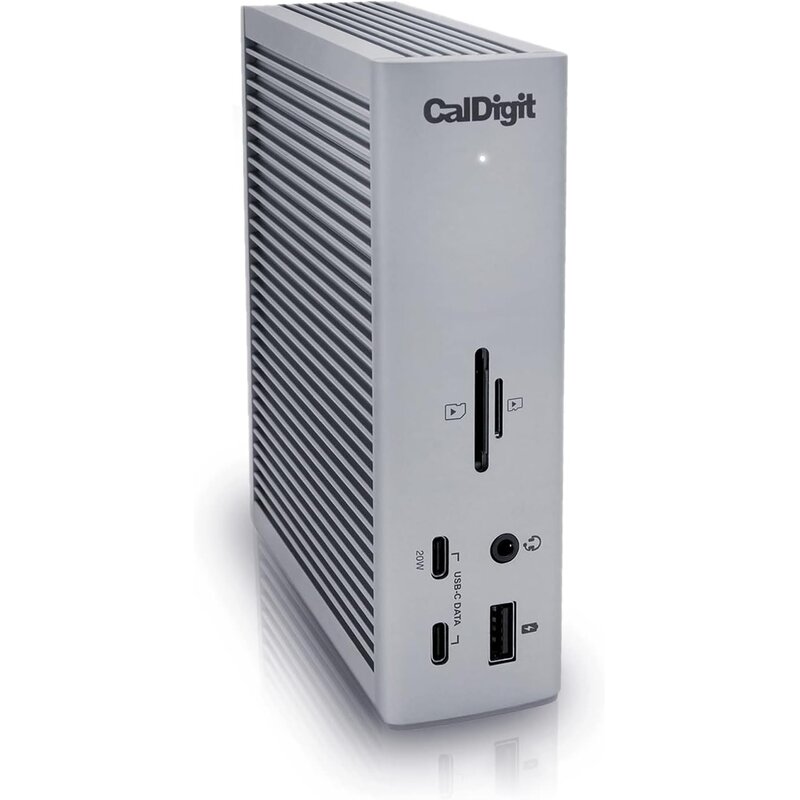
The CalDigit TS4 takes our top spot as the dock to buy if you want one box that handles nearly anything you plug into it for years. It offers 18 ports, including two downstream Thunderbolt 4 ports, three 10Gb/s USB-C ports, five 10Gb/s USB-A ports and a DisplayPort 1.4 output. 💻
The rest of the panel covers UHS-II SD and microSD readers, front and rear audio jacks and 2.5 Gigabit Ethernet. Few docks match that combination of quantity and speed, and with 10Gb/s USB across the board, even the USB-A ports keep up with fast external drives. In daily use, one cable connects a laptop to monitors, drives, a wired network, a webcam, a card reader and speakers at once.
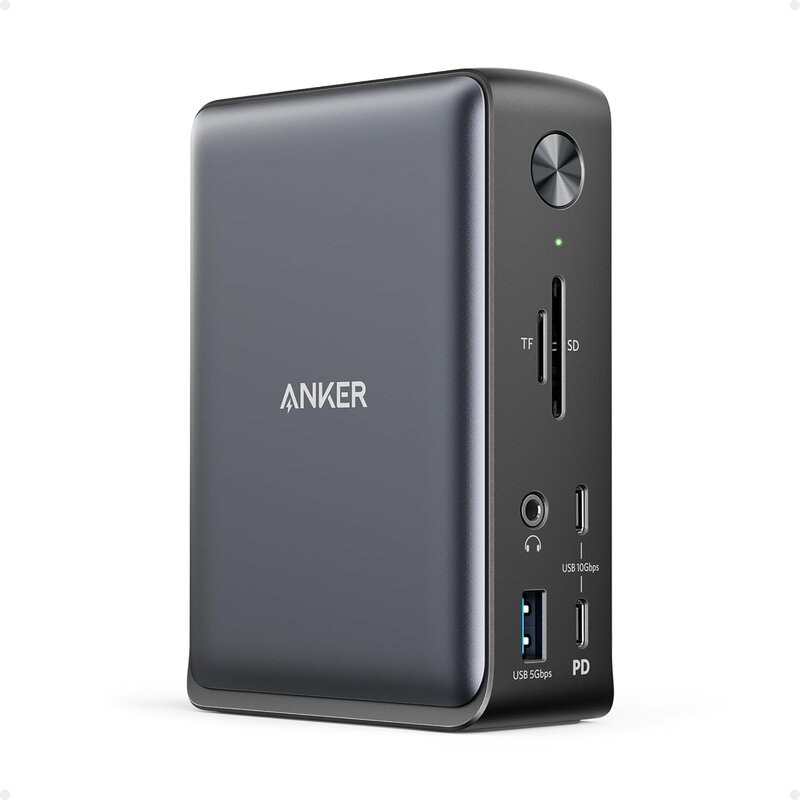
For photographers, video editors and anyone with a busy desk, that removes the usual tangle of adapters and hubs. Charging is generous at up to 98W through the host connection, enough for most large laptops under heavy load, so the same cable that carries data also keeps the battery topped up through a long workday. That figure is higher than the Kensington's 90W and the Anker's 85W. ⚡
Display support depends on your computer. CalDigit lists dual 6K at 60Hz on Apple M-series Pro and Max chips, dual 4K at 60Hz on Intel Macs and Windows, and a single 8K option on supported Windows machines. Base M1 Macs support only one external display, a laptop restriction rather than a dock flaw, so check your own laptop's display limits before planning a multi-monitor desk. It ships with a 0.8-meter Thunderbolt 4 cable and can stand vertically or lie flat.
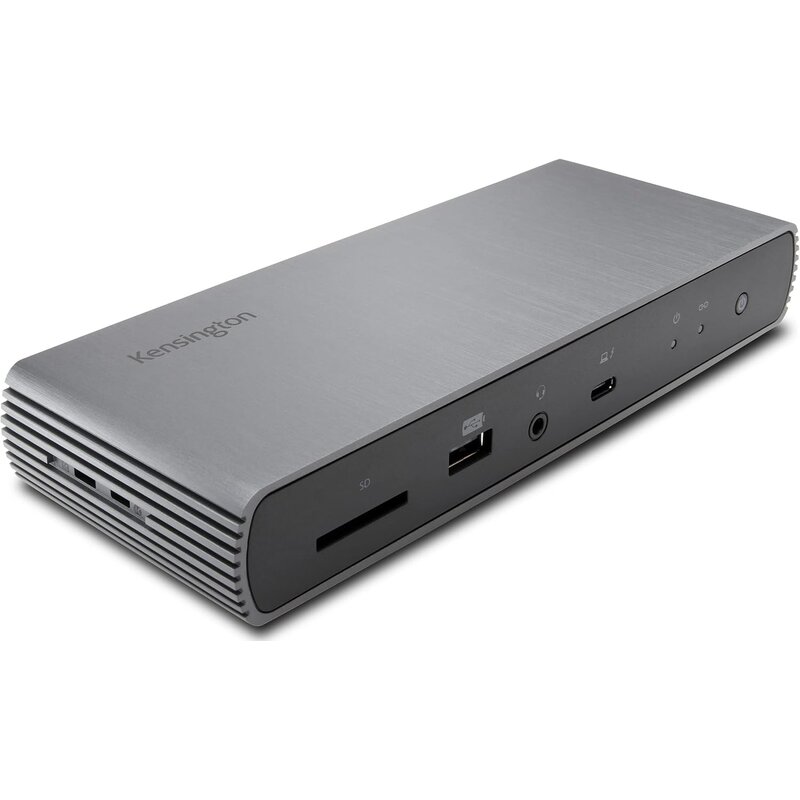
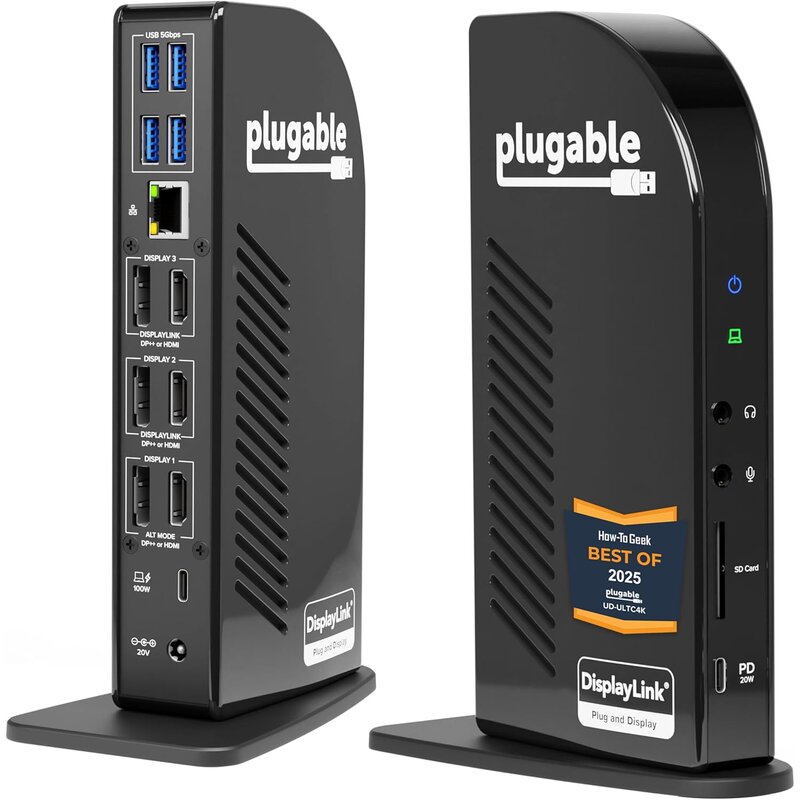
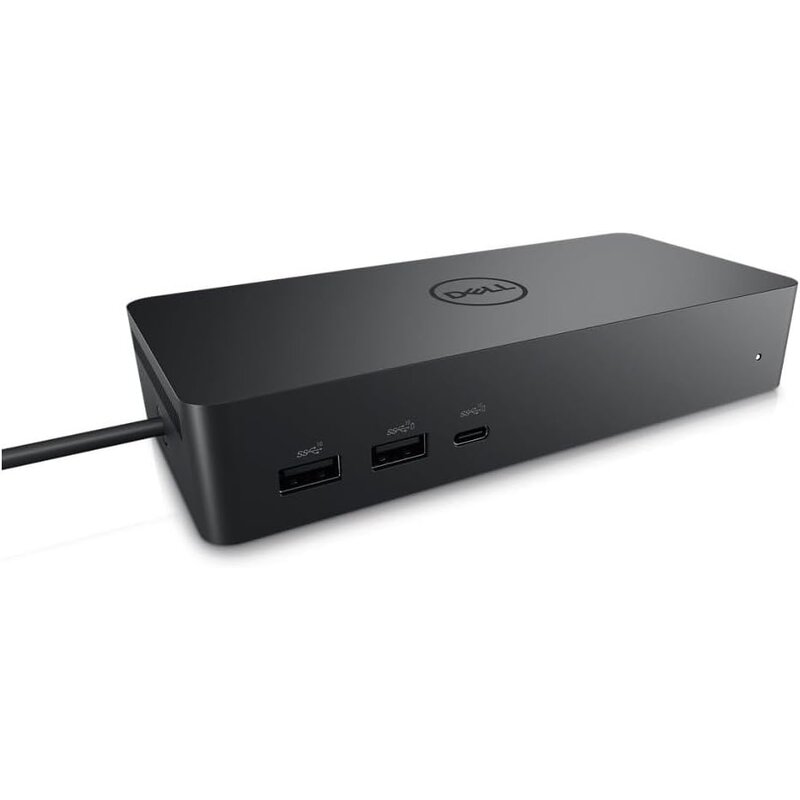
Compared with the Kensington SD5700T, the TS4 offers more ports, faster Ethernet and slightly higher charging, while the Kensington adds a third downstream Thunderbolt port and a longer warranty. The Plugable and Dell docks focus on multi-monitor setups that need DisplayLink software, while the TS4 drives displays natively over Thunderbolt, and the Anker 575 is the value choice. With 18 ports to the Kensington's 11, the TS4 is the most complete Thunderbolt dock here.
The negatives are cost and the fact that the extra Thunderbolt features only shine on Thunderbolt or USB4 laptops. The 2.5GbE port, for example, requires a Thunderbolt host, and the two-year warranty is shorter than Kensington's three years. If you just need a few ports and one monitor, a cheaper USB-C dock will do the job. 🖥️
| Total ports | 18 |
|---|---|
| Laptop charging | Up to 98W |
| Thunderbolt | 3x Thunderbolt 4 (40Gb/s), incl. host port |
| USB | 3x USB-C and 5x USB-A, all 10Gb/s |
| Networking | 2.5 Gigabit Ethernet |
| Warranty | 2 years |
- 18 ports with 10Gb/s USB across the board
- Up to 98W laptop charging
- Two downstream Thunderbolt 4 ports
- 2.5 Gigabit Ethernet
- UHS-II SD and microSD readers
- DisplayPort 1.4 output
- Dual 6K at 60Hz on Apple M-series Pro and Max chips
- Front and rear audio jacks
- Vertical or horizontal placement
- Premium price
- Some features need a Thunderbolt host
- Two-year warranty
The CalDigit TS4 is the best all-around dock for anyone who wants one cable to run a full desk. It packs 18 ports with 10Gb/s USB across the board, up to 98W laptop charging, two downstream Thunderbolt 4 ports and 2.5 Gigabit Ethernet.